Guide · Productivity
Otter.ai review 2026: AI meeting notes, transcription, pricing, limits, pros, cons and alternatives
Our Otter.ai review covers its meeting transcription, summaries and AI chat, the Basic, Pro and Business plans and their minute limits, pros, cons and alternatives.

The short answer
Otter.ai is an AI meeting assistant that joins Zoom, Microsoft Teams and Google Meet calls, transcribes them live and writes summaries with action items. The free Basic plan gives 300 minutes a month with a 30-minute cap per conversation, Pro is $8.33 a user a month billed annually with 1,200 minutes, and Business is $19.99 with unlimited meetings and up to 4 hours each.
Otter.ai is one of the longest-running AI meeting assistants. It listens to your calls, writes a transcript, summarises it and turns decisions into action items. This review covers what Otter does, what each plan costs, where its limits bite, and who should pick it over rivals. It draws on Otter’s own website and pricing page as of October 2026, and we haven’t run extended hands-on tests.
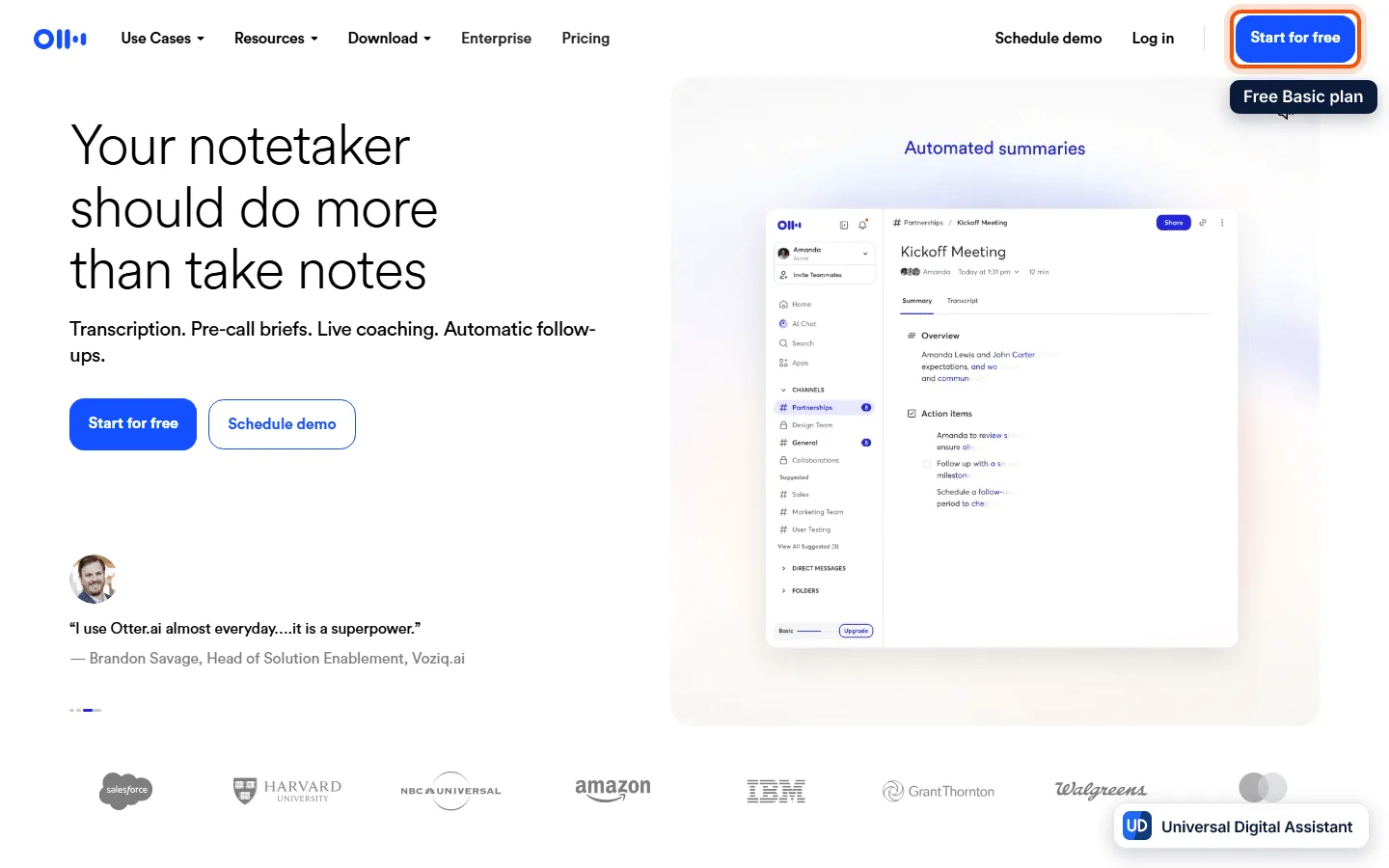
Screenshot: the Otter.ai home page, with its demo of an automated meeting summary. Captured by Universal Digital Assistant on October 17, 2026.
Otter.ai at a glance
| Otter.ai | |
|---|---|
| What it is | An AI notetaker and transcriber for meetings |
| Joins | Zoom, Microsoft Teams and Google Meet |
| Platforms | Web, iOS and Android apps |
| Free plan | Yes, 300 minutes a month |
| Paid plans (US) | Pro $8.33 and Business $19.99 per user a month billed annually |
| Languages | English, Spanish, French, German, Japanese and Chinese |
| Best for | Teams that want automatic notes in calls they already run |
What Otter can do
Otter’s home page promises “Transcription. Pre-call briefs. Live coaching. Automatic follow-ups.” In practice, its pricing page lists these features:
- Joins your meetings. On Zoom, Teams and Google Meet, Otter can join automatically, write and share notes. You can also record in the web or mobile app.
- Live transcription and speaker identification, with audio playback and word highlighting.
- Automated summaries with action items and outlines, plus keywords and speaker talk time.
- AI Chat. Ask questions within and across meetings. Pro and Business raise the monthly query limits.
- AI meeting workflows and templates. Otter lists new advanced meeting templates on Pro and custom AI workflows on Business.
- Integrations. Salesforce, HubSpot and Zapier integrations on paid plans, and an Otter MCP server for connecting AI assistants.
- Enterprise extras. SSO and SCIM, enterprise security controls, an HIPAA add-on, an API and webhooks, and a sales notetaker with call objectives.
What Otter costs
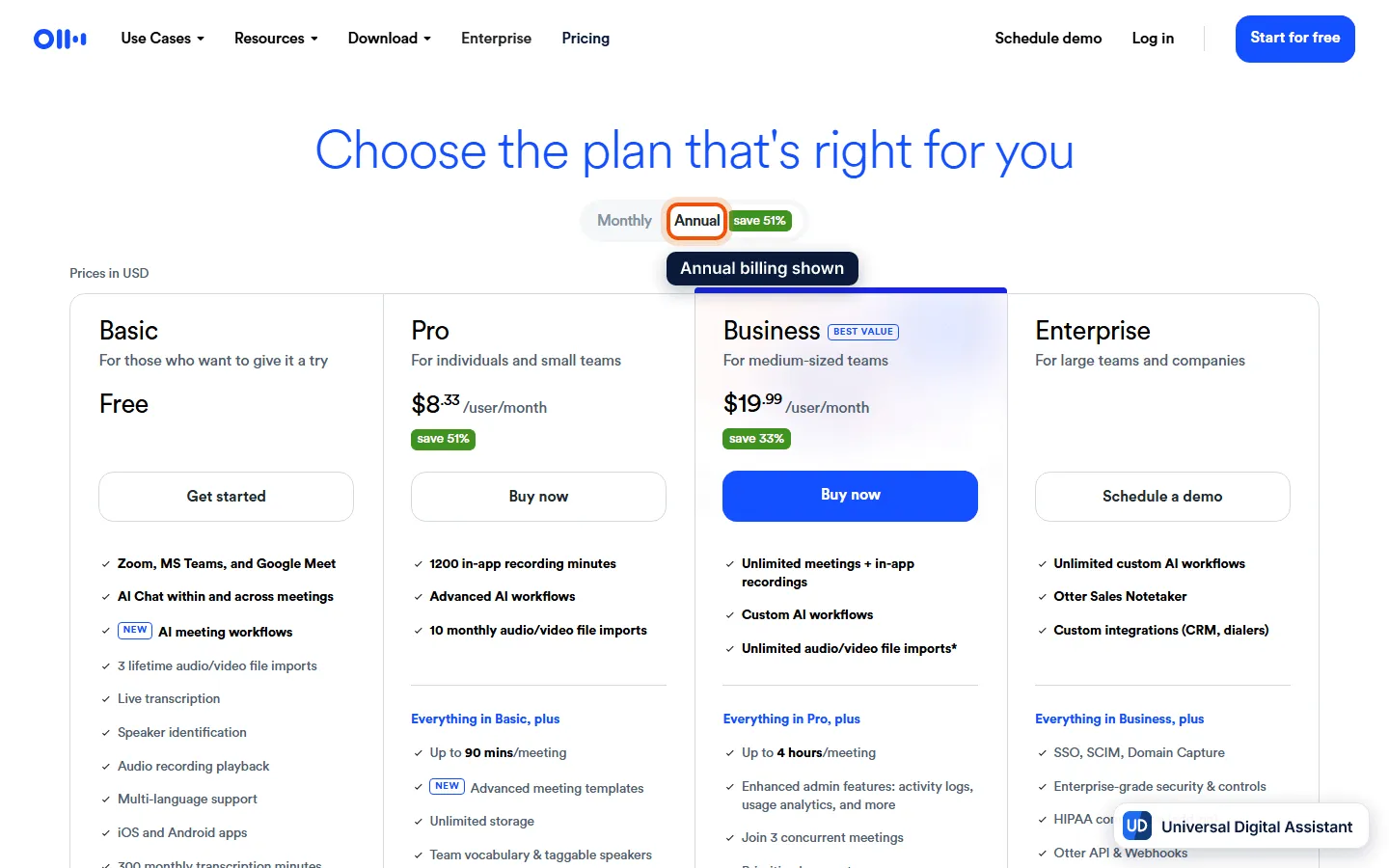
Screenshot: Otter.ai’s pricing page, annual billing selected. Captured by Universal Digital Assistant on October 17, 2026.
| Basic | Pro | Business | |
|---|---|---|---|
| Price (per user per month) | Free | $8.33 annual (about $16.99 monthly) | $19.99 annual (about $30 monthly) |
| Transcription minutes | 300 a month | 1,200 a month | Unlimited |
| Max per conversation | 30 minutes | 90 minutes | 4 hours |
| AI Chat queries | 20 a month | 50 a month | 200 a month |
| File imports | 3 lifetime | 10 a month | Unlimited |
| Conversation history | 25 most recent | Unlimited | Unlimited |
| Concurrent meetings | 1 | 2 | 3 |
| Workspace size | Up to 5 members | Up to 5 billed users | Up to 25 billed users |
Enterprise is custom, with unlimited workspace members and enterprise support. The monthly prices above come from Otter’s savings figures (51% on Pro and 33% on Business) and from our earlier check of the pricing page, so confirm them on the page before you buy.
Pros
- A useful free plan. 300 minutes a month covers occasional meetings.
- Works across the main video apps with the same notes and search.
- Cross-meeting AI chat, which helps you find decisions without rereading transcripts.
- Affordable Pro tier for individuals at about $8 a month on annual billing.
- Strong team features on Business, including admin analytics and longer meetings.
Cons
- Tight free limits. Basic caps conversations at 30 minutes and offers few file imports.
- Minute caps on Pro. 1,200 minutes and 90 minutes per meeting can run out with heavy use.
- A visible bot. Joining a call means participants see a notetaker, which some clients dislike, and you remain responsible for telling people you are recording.
- Language coverage is narrower than some rivals’ lists.
Who should use Otter.ai?
Choose Otter if you run lots of Zoom, Teams or Meet calls and want automatic notes, and you’re comfortable with a visible bot. If you’d rather capture notes without a bot joining, look at Granola, and compare all the main options in our best AI meeting assistants guide. Microsoft Copilot and Zoom’s own assistant are the built-in alternatives.
Frequently asked questions
What is Otter.ai?
Otter.ai is an AI notetaker. It joins Zoom, Microsoft Teams and Google Meet meetings, or records in its web and mobile apps, then transcribes speech live, identifies speakers and produces automated summaries with action items. It also has an AI chat that answers questions across your meetings.
Is Otter.ai free?
Yes. The Basic plan is free and includes 300 monthly transcription minutes, a 30-minute limit per conversation, live transcription, speaker identification, the iOS and Android apps, 3 lifetime audio or video file imports and 20 AI Chat queries a month per user.
How much does Otter.ai cost?
Pro costs $8.33 per user per month billed annually, about $16.99 monthly, and Business costs $19.99 per user per month billed annually, about $30 monthly. Enterprise is priced by quote. Otter lists a 51% saving on Pro and 33% on Business for annual billing.
How many minutes do I get?
Basic gives 300 minutes a month, Pro 1,200 minutes a month with up to 90 minutes per meeting, and Business and Enterprise give unlimited meeting transcription with up to 4 hours per conversation. Imported file transcription is capped at 300, 1,200 and 6,000 minutes a month on Basic, Pro and Business.
Which languages does Otter.ai transcribe?
Otter's pricing page lists AI transcription in English, Spanish, French, German, Japanese and Chinese. Check the page for the latest list, because language support changes.
What are the best Otter.ai alternatives?
Granola takes notes without joining the call as a visible bot, Fireflies is another dedicated notetaker, and Zoom AI Companion and Microsoft Copilot in Teams are built into those video platforms. Our meeting assistants comparison covers them.
Sources
Product facts are checked against the vendor's own announcements and documentation.
- Otter.ai pricing — Otter.aihttps://otter.ai/pricing
- Otter.ai — Otter.aihttps://otter.ai/


